
Bosch eBike System 2
Bosch BES2 diagnostics. Simply online.
Configure lights, reset the service interval, check the Power Port and get a free diagnostic report. First compare your control unit.
Windows PC with Chrome or Edge · USB data cable
Before connecting
Is your bicycle compatible?
Compare your control unit with the pictures. For BES2, use Chrome or Edge on a Windows PC with a USB data cable.
Free PDF, with no order or payment. The initial check verifies the required components.
| Display / control unit | PCWindows Chrome / Edge |
|---|---|
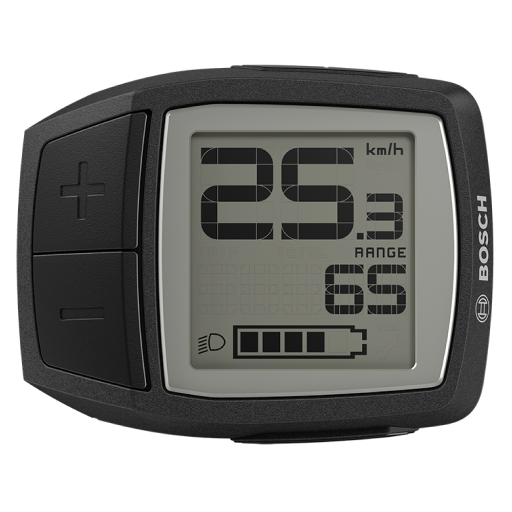 PurionBUI210 / BUI215 PurionBUI210 / BUI215 | |
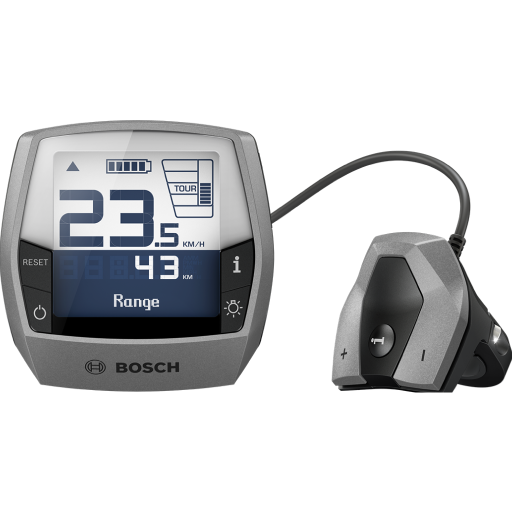 IntuviaBUI251 / BUI255 IntuviaBUI251 / BUI255 | |
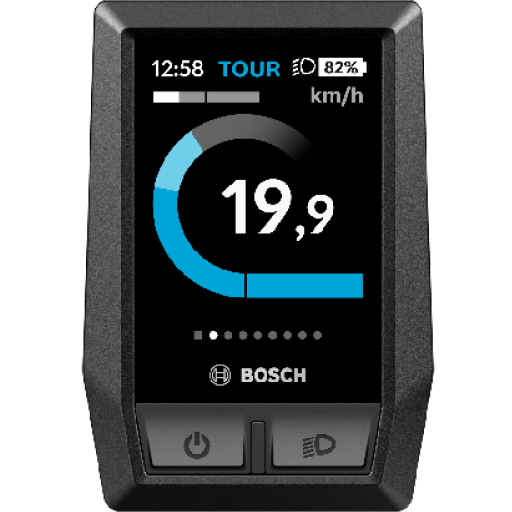 KioxBUI330 KioxBUI330 | |
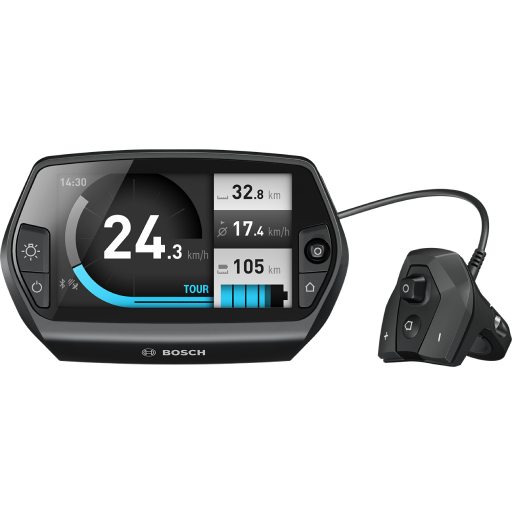 NyonBUI270 / BUI275 NyonBUI270 / BUI275 | |
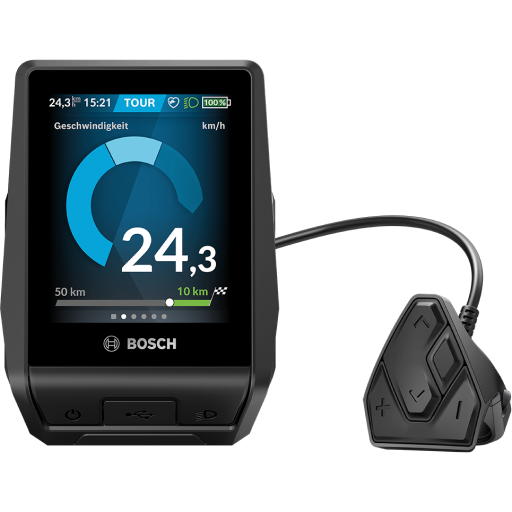 NyonBUI350 NyonBUI350 | |
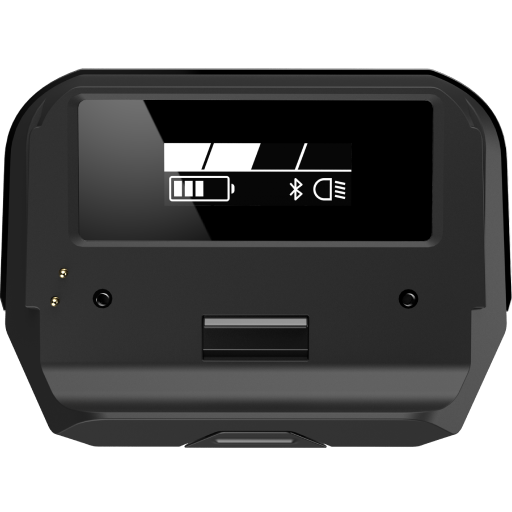 SmartphoneHubCOBI_EAIR SmartphoneHubCOBI_EAIR |
Which motors are included?
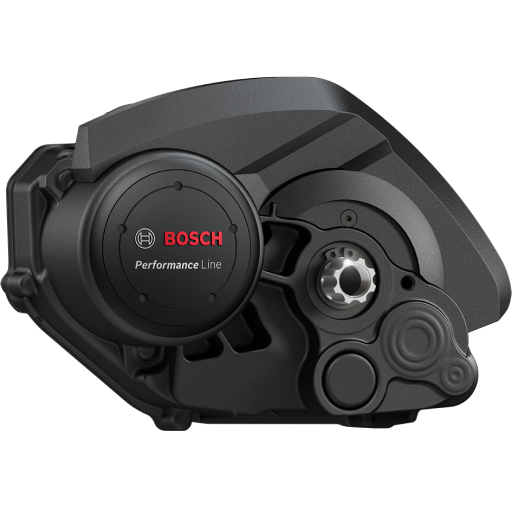
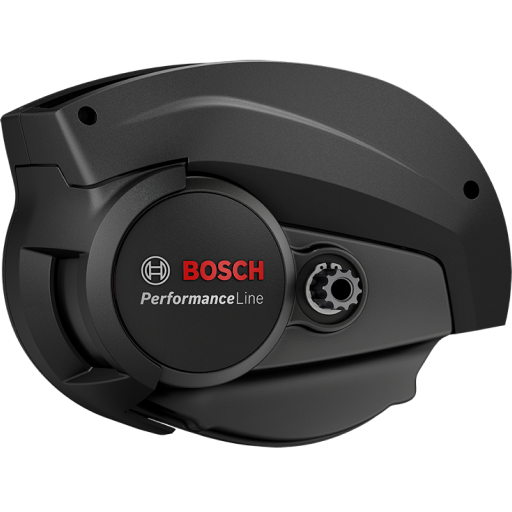
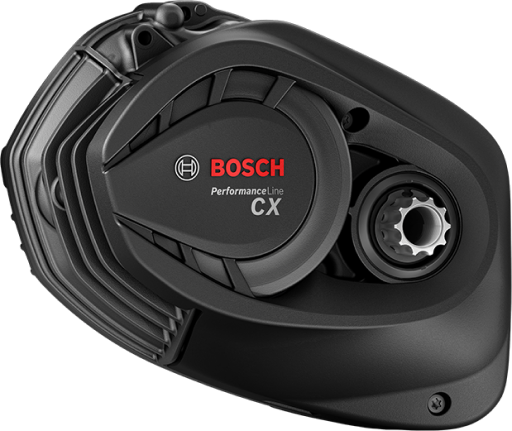
Generation 1 / Bosch Classic is not supported.
Example images. The free initial check shows which functions are available on your bicycle.
Product images: Bosch eBike Systems.
Is your display missing? View Smart System control units →
BES2 requires a Windows PC with Chrome or Edge and a USB data cable. Android phones, iPhone and iPad are not supported for this BES2 process.
How to connect your bicycle
Switch on the eBike. Connect the control unit using a USB data cable and close other diagnostic applications.
Select your bicycle in the browser dialog. It may appear as “Bosch E-Bike HMI”.
The initial check is free and changes no settings.
Check your eBike for freeFrequently asked questions
Which motor generations does this BES2 section cover?
This section is intended for Bosch eBike System 2 with generation 2, 3 and 4 motors. Generation 1 and Bosch Classic are excluded. The initial check shows available services.
Can I use an Android phone?
This BES2 process requires a Windows PC with Chrome or Edge and a USB data cable. Android, iPhone and iPad are not supported here.
Which control units belong to BES2?
Compare Purion, Intuvia, Kiox BUI330, Nyon and SmartphoneHub with the pictures. Similarly named models such as Purion 200 or Kiox 300 belong to the Smart System.